

Run your 3D print farm from one screen.
PrintSol turns the orders from your web shop into print jobs on the right printer: sliced for that machine, queued, watched while it prints and costed when it is done. You see what every order really cost and when it will ship.
- Bambu Lab, Prusa, Klipper, Elegoo, OctoPrint
- WooCommerce and Shopify orders
- Slicing on the server
Free for one print at a time. No card. Read-only to start: nothing changes on your printers.
What happens to an order in PrintSol
- 01
The order arrives
From WooCommerce or Shopify within minutes, with the customer, the items, the colour they chose and the shop’s fees.
- 02
It becomes print jobs
Each item is matched to your product and its parts. Stock on the shelf is used first; the rest goes into the queue.
- 03
Sliced for the printer it lands on
PrintSol slices on the server with Bambu Studio or OrcaSlicer, for that printer, that nozzle and that plate, with supports where they are needed.
- 04
Printed, and watched
Auto-print starts it on a free printer with the right filament loaded. Pauses, errors and empty spools reach you straight away.
- 05
Labelled, packed, shipped
A work label comes out of the label printer when the job starts. Book the parcel in Sendcloud from the order and the shop is told.
A queue that runs itself, and that you can still steer
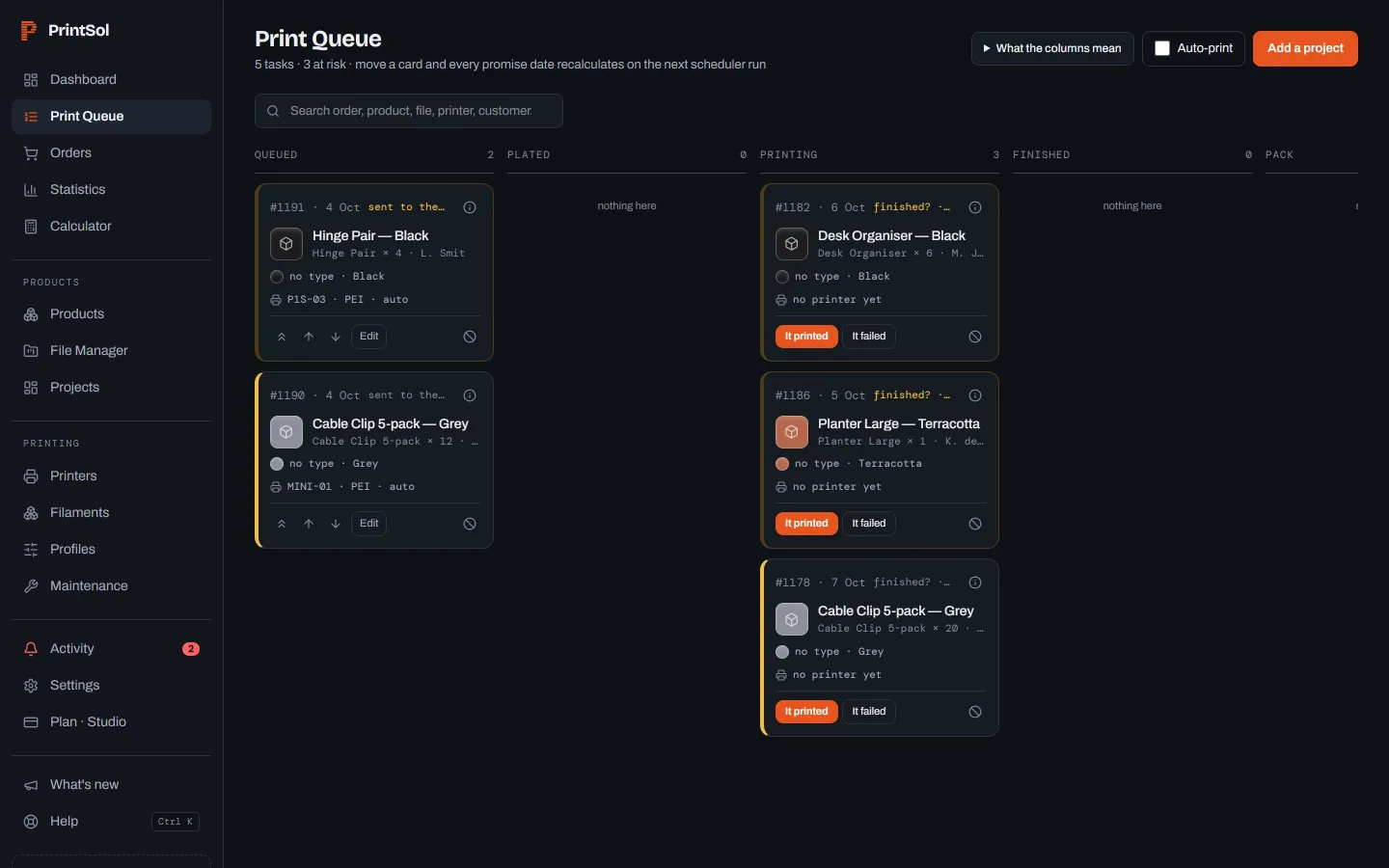
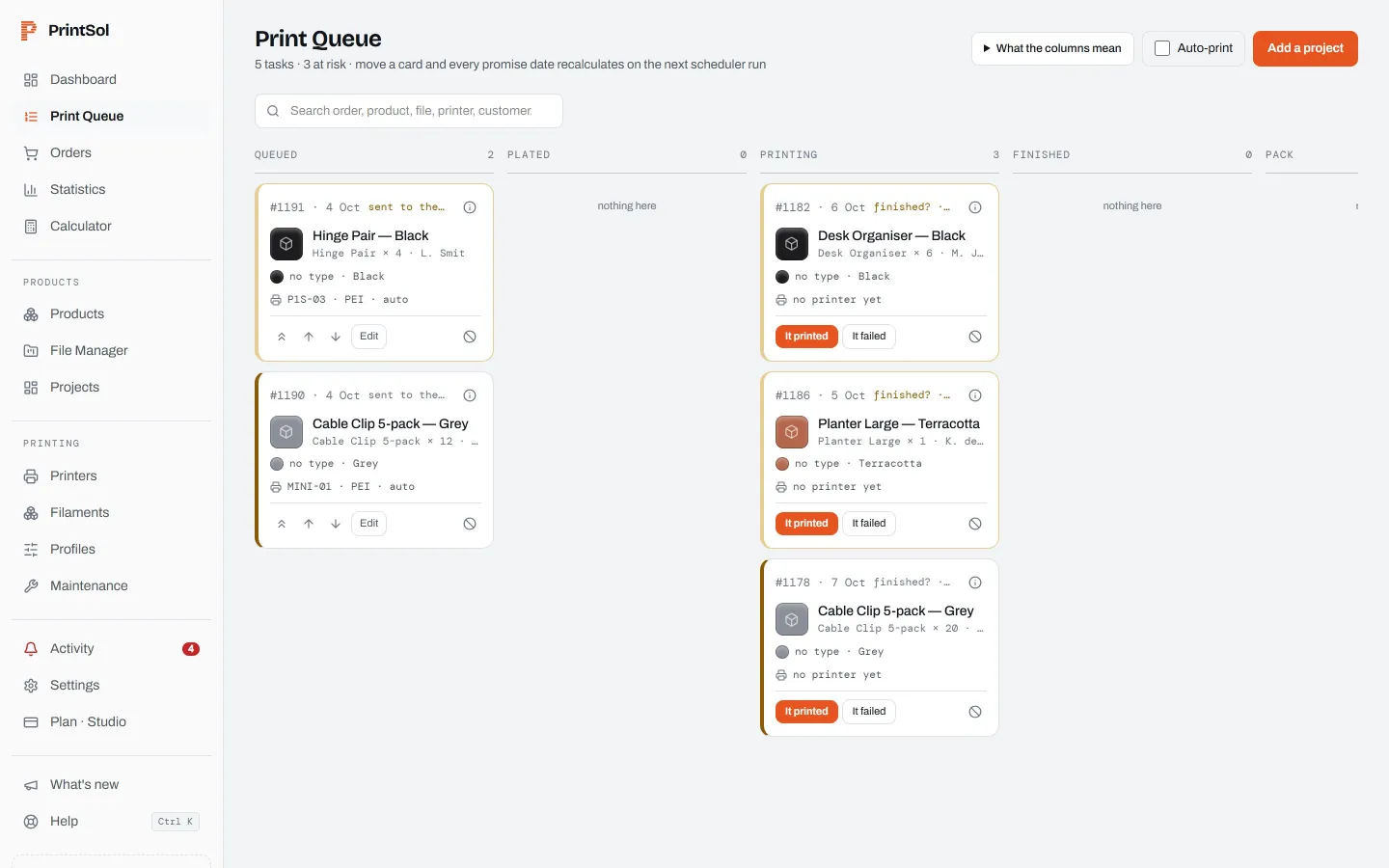
Every job is a card that moves from queued to printing to packed. Auto-print sends the next job to the first printer that is free, clear and loaded with the right filament. You can pin a job to one printer, raise its priority or plate several together.
- Auto-print by filament, colour and plate type
- Several parts on one bed, packed for you
- Failed prints go back in the queue, with the cause
Every printer, its filament and its health
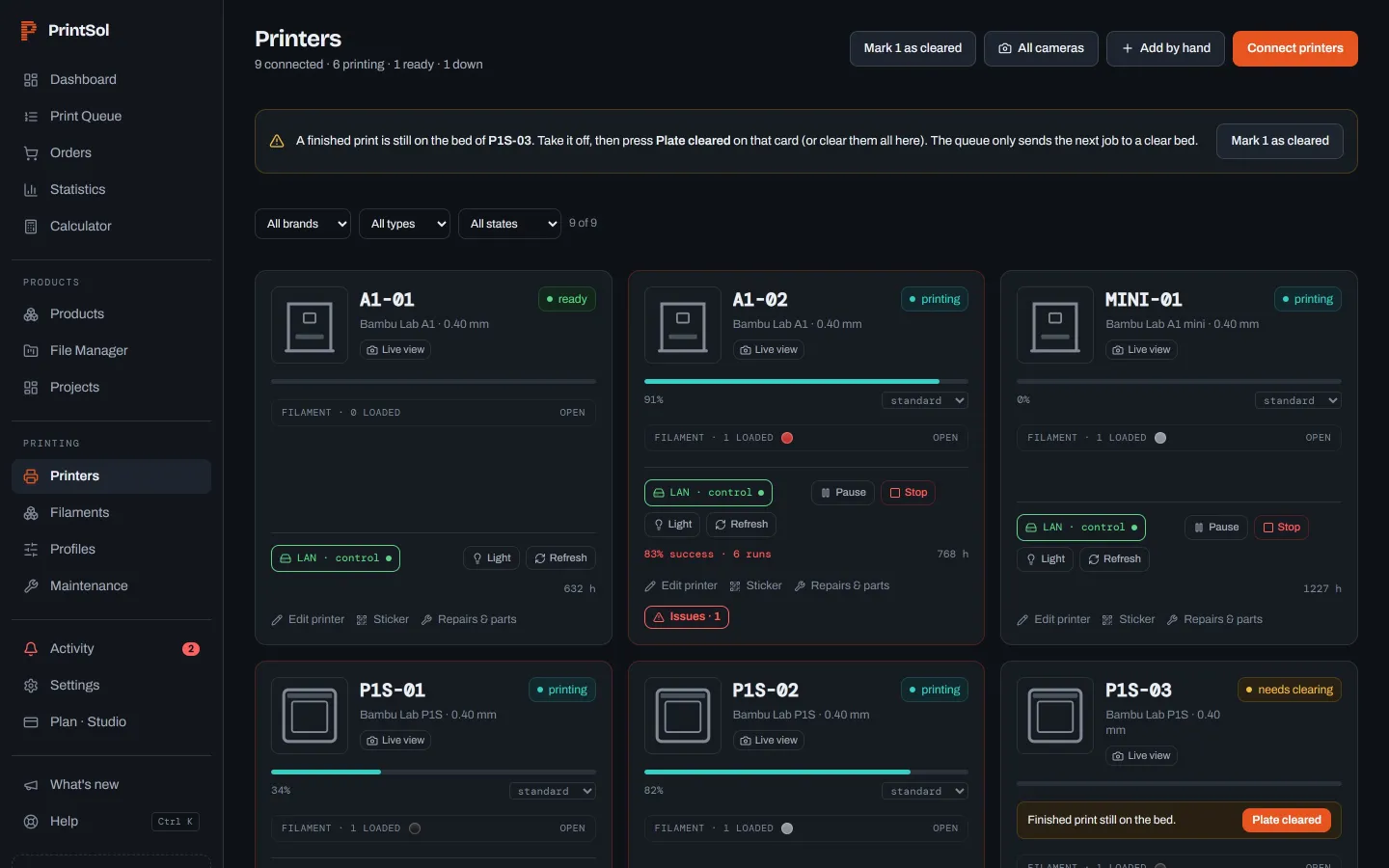
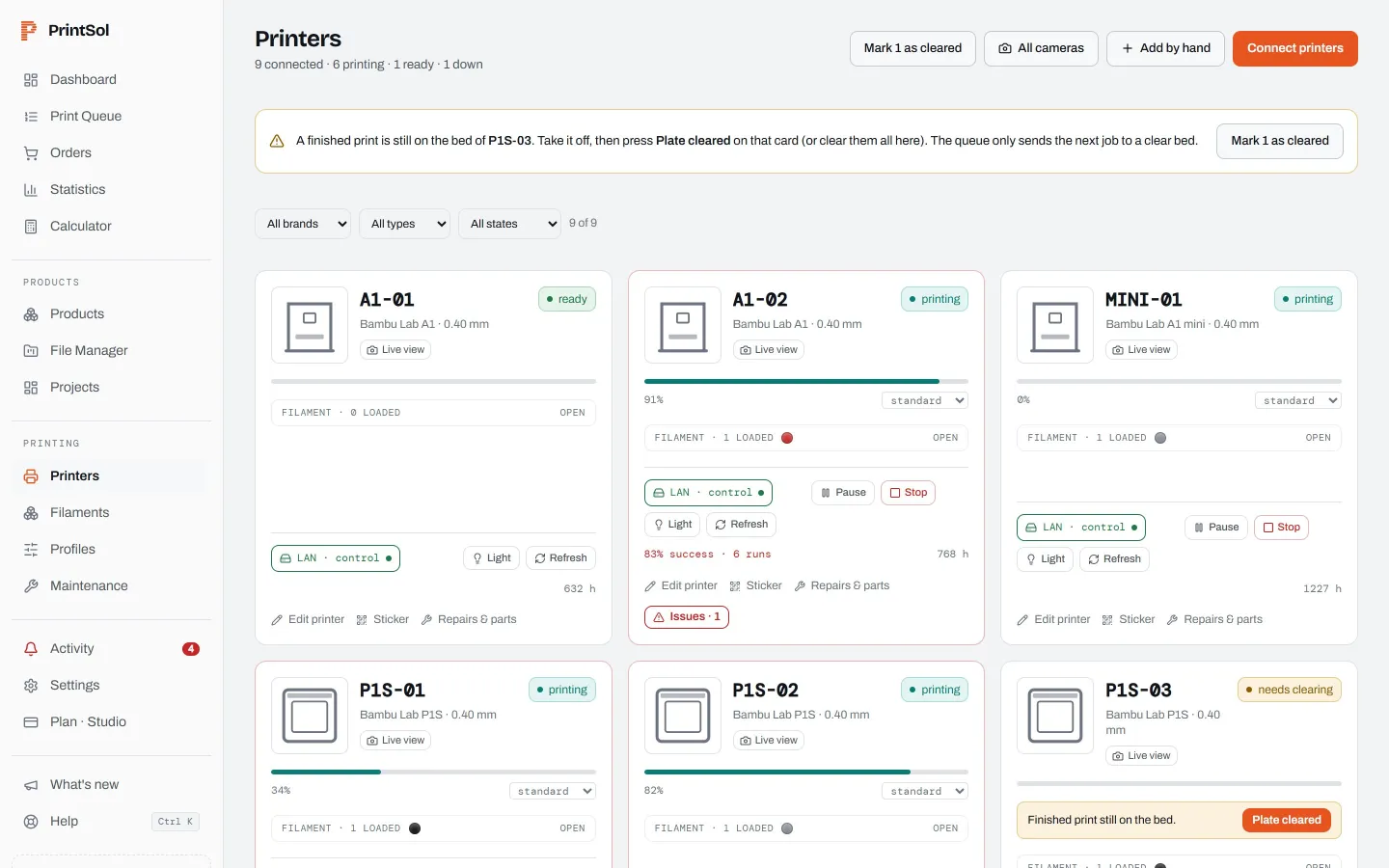
Live status, progress and the filament in every AMS slot, from all your printers at once. Maintenance is due by print hours, and a finished print still on the bed blocks the next job until someone clears it.
- Bambu Lab over LAN or Bambu Cloud
- Prusa, Klipper (Moonraker), Elegoo (SDCP), OctoPrint
- Success rate and hours per machine
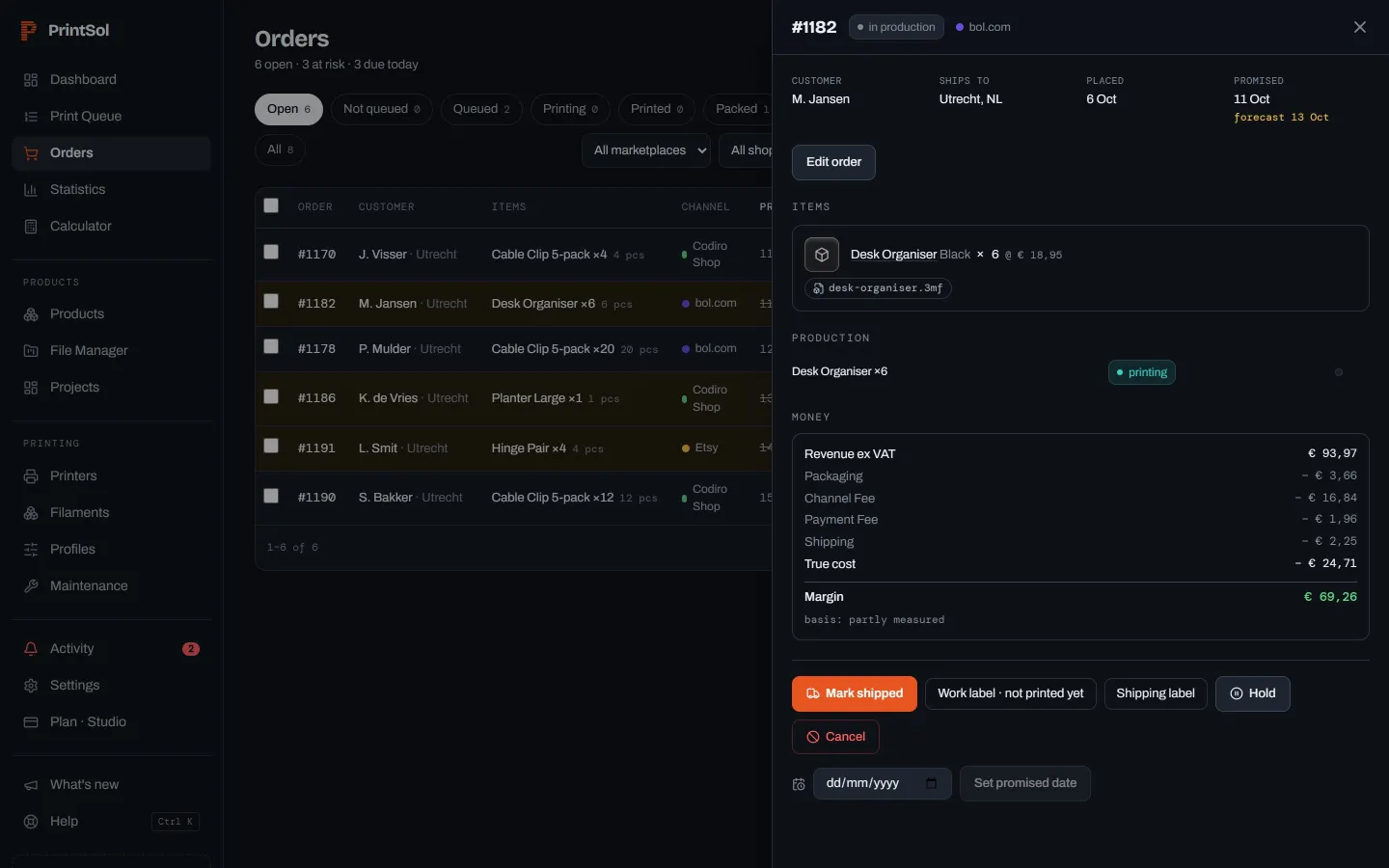
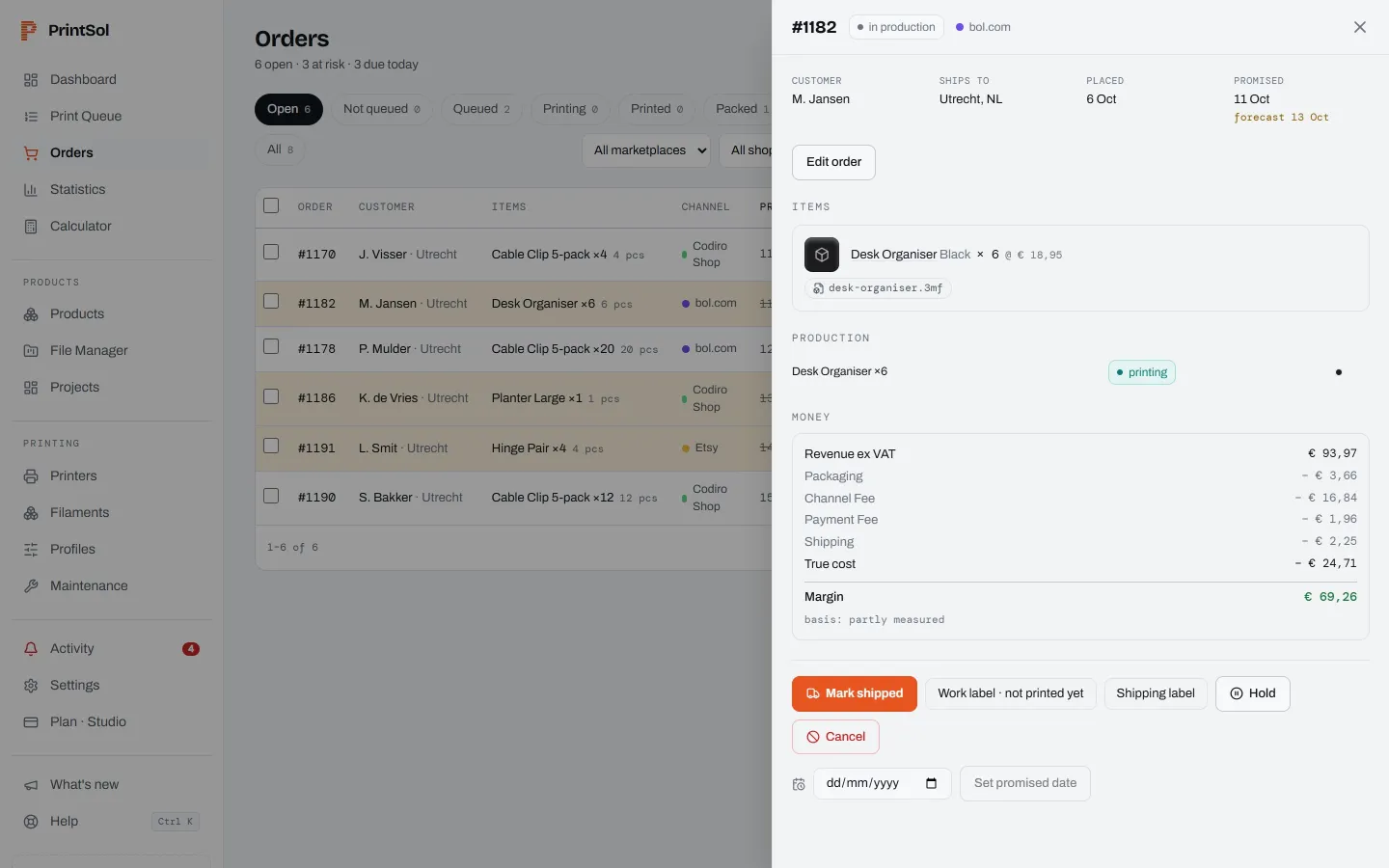
What every order really cost
Filament at the price you paid for that spool, machine hours, energy, labour, packaging, the shop’s commission, payment fees and shipping. Failed attempts are booked to the order that caused them, so the margin is the real one.
- Measured grams and hours from the printer
- Each figure says if it was measured or estimated
- Products that lose money stand out
Know when to reorder, before a spool runs out
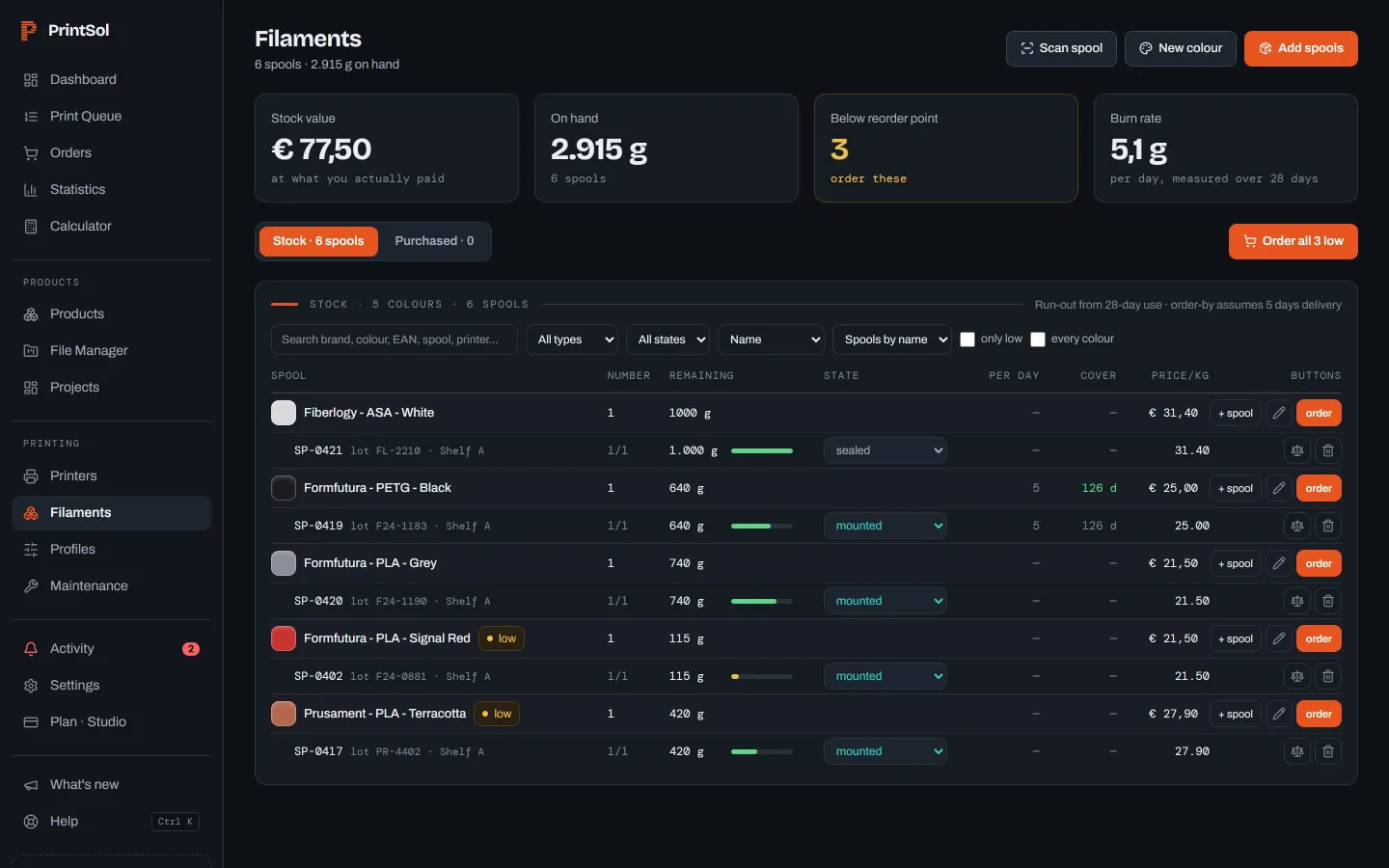
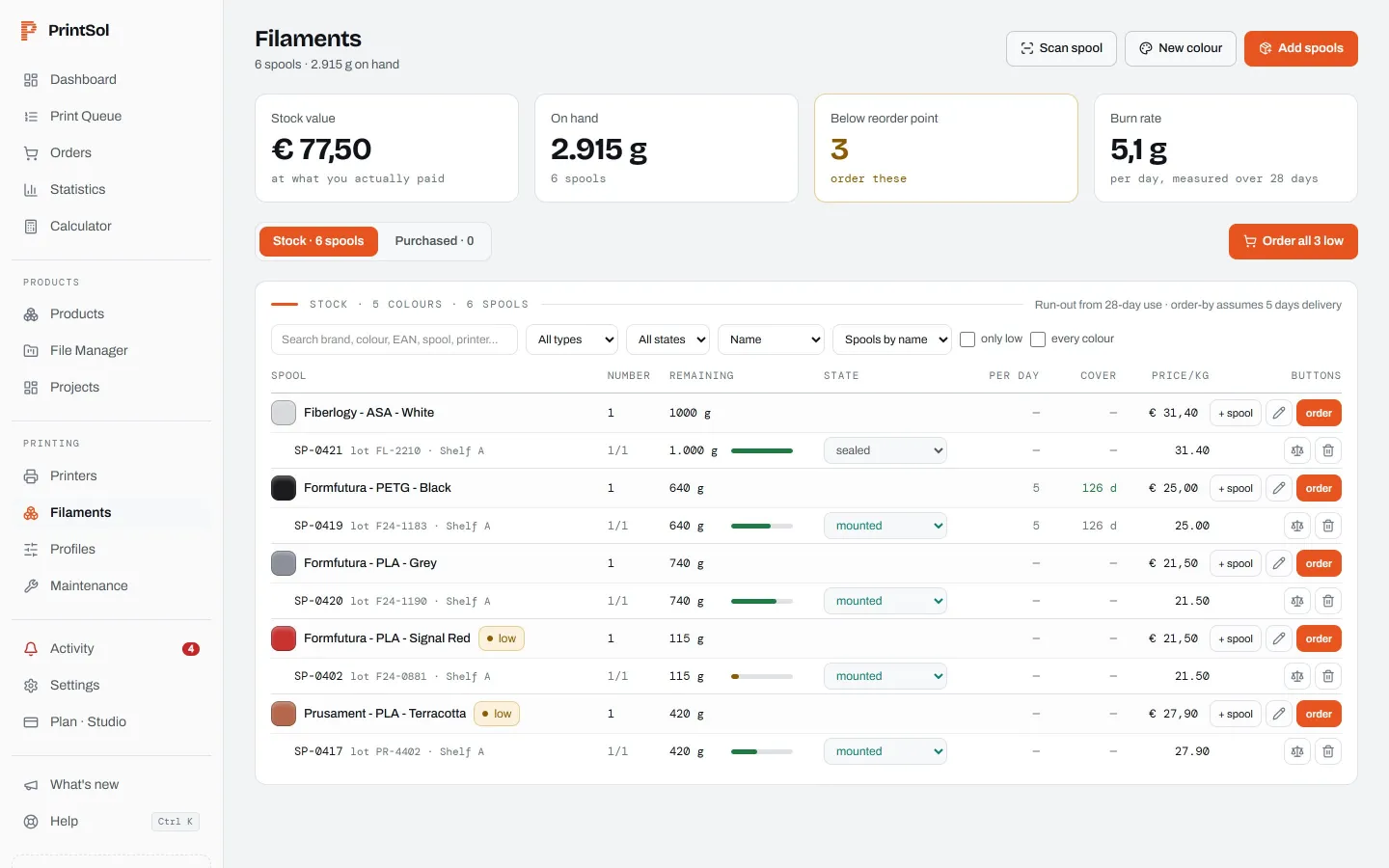
Spools with their weight and cost per gram, tracked by the AMS and by barcode. Run-out dates come from what you actually use, and a purchase order is two clicks away.
- The full Bambu Lab filament catalogue built in
- Purchase orders with landed cost
- Finished goods with their own reorder dates
Upload once, slice for every printer
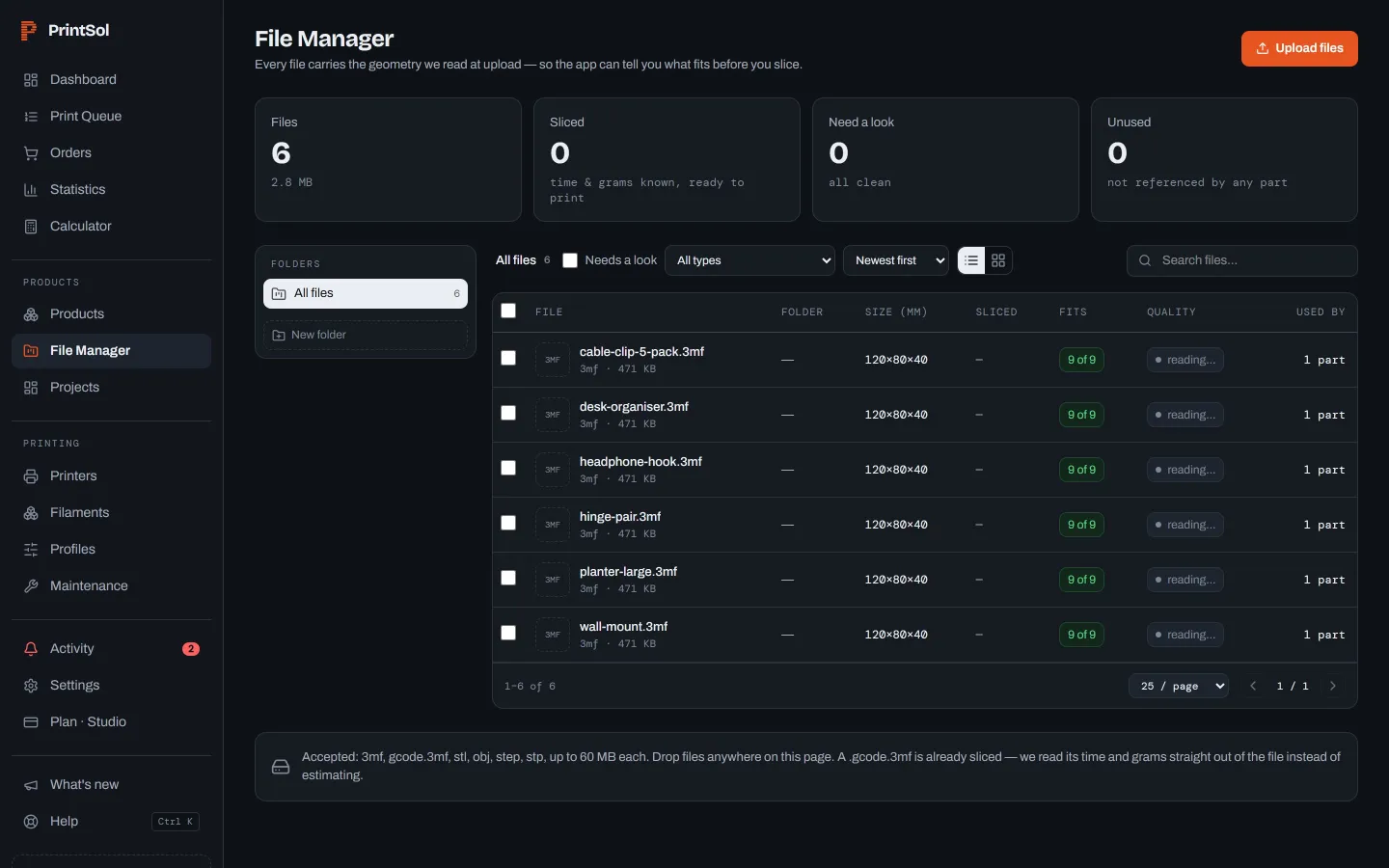
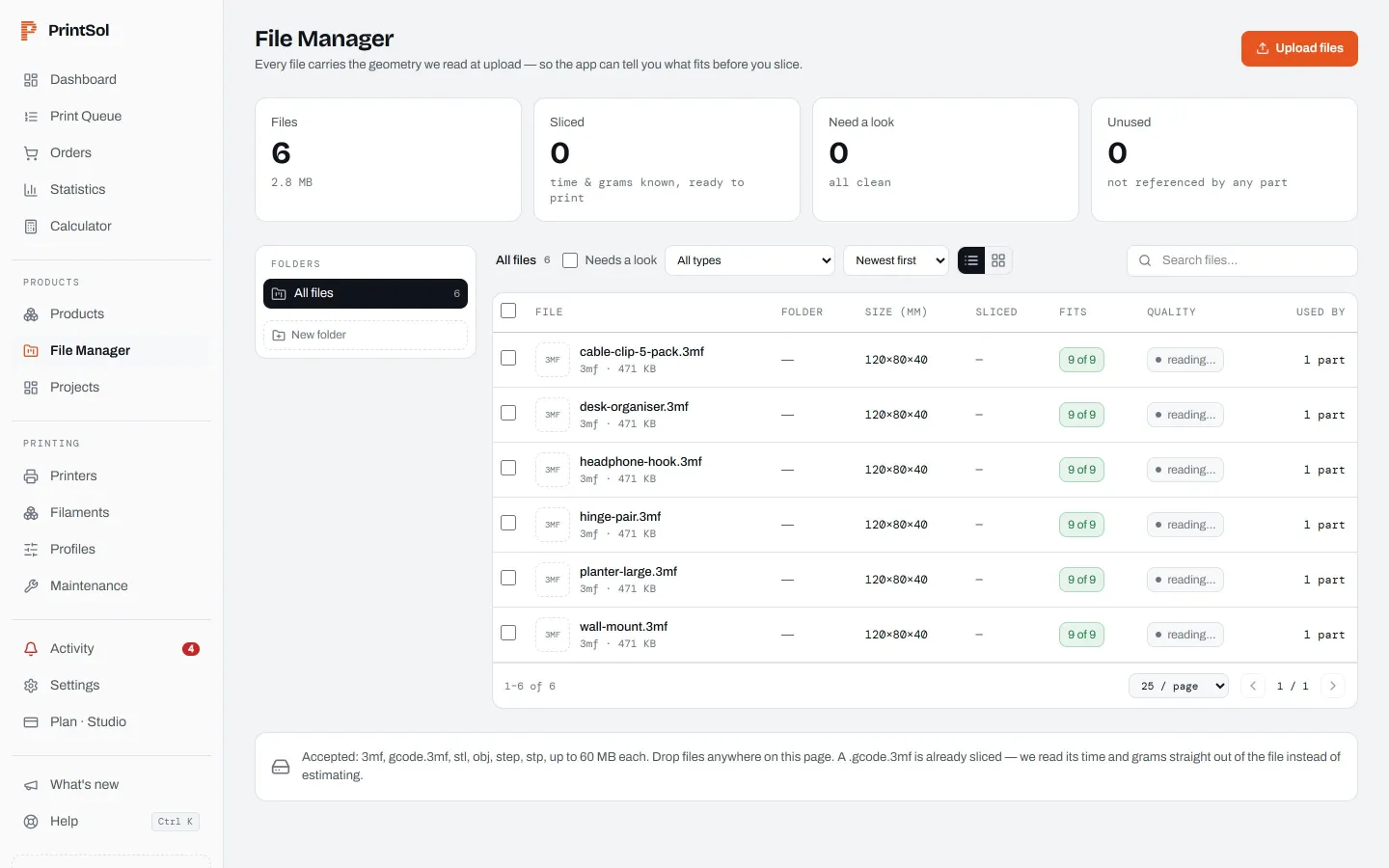
STL, 3MF and STEP files with their geometry read on upload. PrintSol slices on the server for each printer model, keeps the designer’s settings from a 3MF, and imports print profiles straight from MakerWorld.
- Bambu Studio and OrcaSlicer on the server
- Multi-plate 3MF projects
- Layer-by-layer preview before it prints
See which products, printers and shops pay
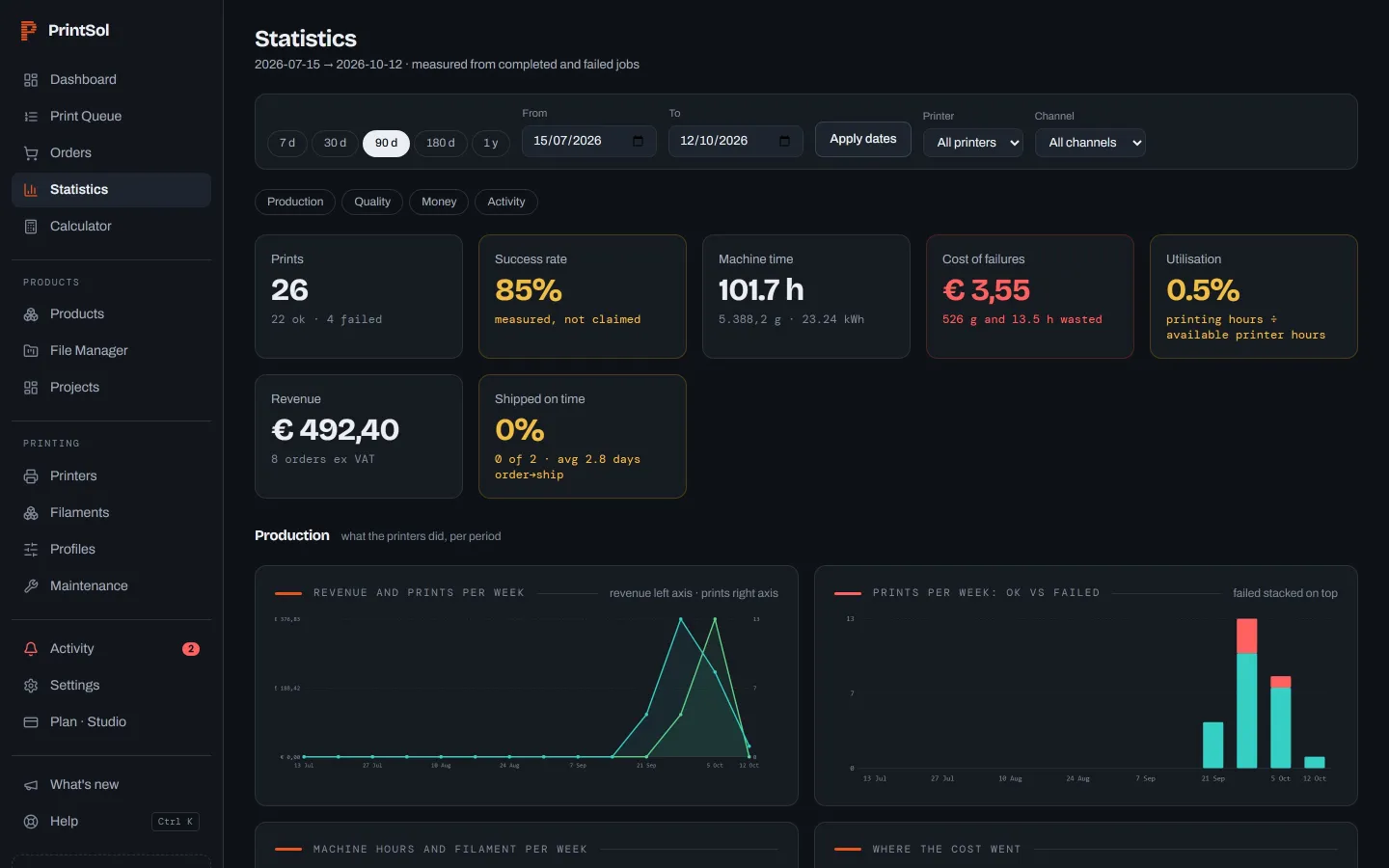
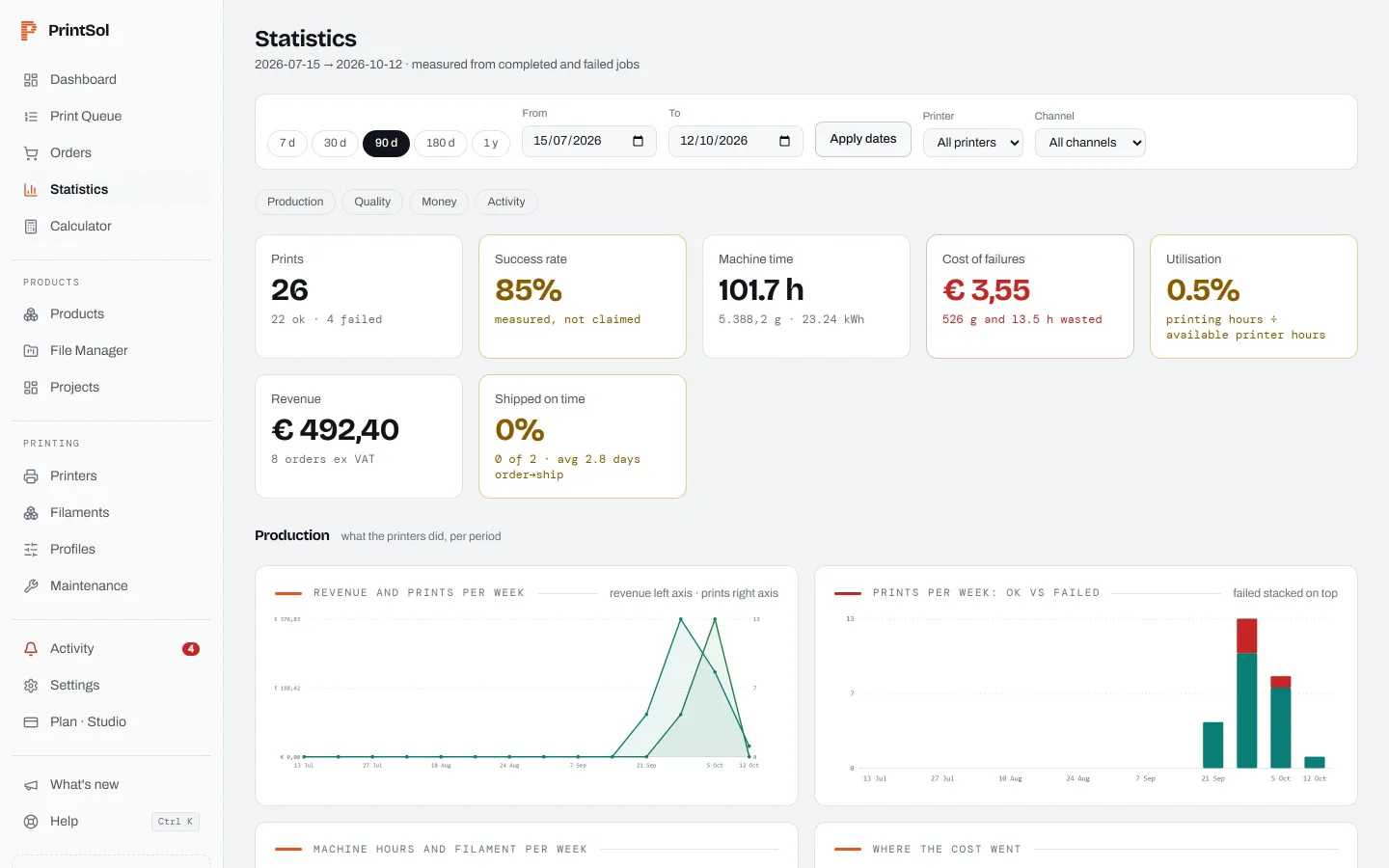
Revenue, margin, print hours and failure rates per product, per printer and per channel, over the period you choose.
- Margin per product and channel
- Failure rate per printer and per part
- Hours and filament used
This product looks profitable. It is not.
Filament cost alone says you make €14 a unit. Here is what the farm actually spends to put one in a box.
P1S-04 failed at 68% — 142 g and 2h 51m lost. Requeued on X1C-01.
Order-by date accounts for how long your supplier takes.
Built for farms that sell what they print
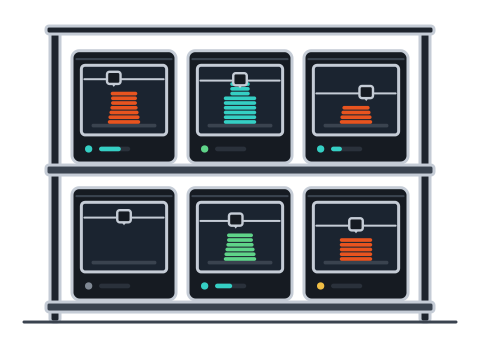
Web shops with a print farm
Three to fifty printers behind a WooCommerce or Shopify shop. Orders become jobs without retyping, and you know which products earn their place.
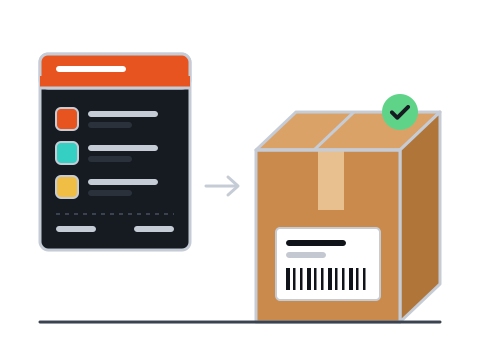
Print shops doing custom work
Projects for customers next to stock items, with the agreed price, the real cost and the margin on each.


Makers turning a hobby into a business
Start free on your own printers. The order side, the costing and the stock are there when you start selling.
Three steps to your first measured order
Connect your shop
WooCommerce or Shopify, in one click. Orders arrive within minutes of checkout, with the shop’s fees attached.
Install the bridge
A small app on a Windows PC you already have. It finds your printers on the network and starts reporting. Read-only by default, so you keep Bambu Handy.
Watch one order print
Link one product to its file. The first job that finishes gives you its real cost: filament, machine, labour, fees and all.
The bridge is small, and it stays out of the way
It runs on a Windows PC you already have. It dials out, so there is no port to open and no firewall rule to write. One screen tells you whether your printers, the bridge and PrintSol are all talking.
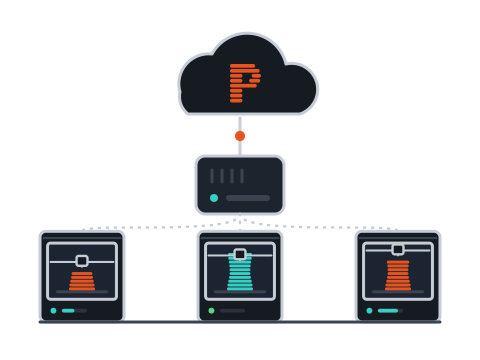
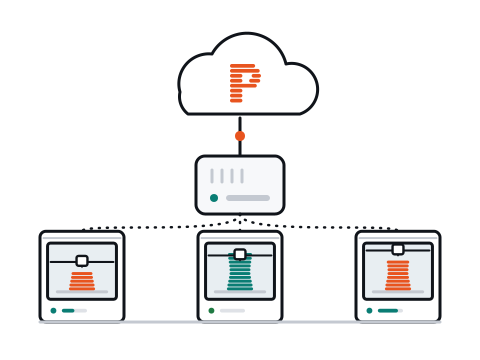
Reads status only. No Developer Mode, no LAN-only mode, and you keep Bambu Cloud and the Handy app. Gives you every number: costing, stock and promise dates.
Adds sending jobs, pause and stop from PrintSol. On Bambu Lab printers with recent firmware that needs LAN-only plus Developer Mode: a choice you make once you are convinced.
Shops and shipping
Selling on Etsy, eBay or bol.com? Their orders reach PrintSol through your WooCommerce or Shopify shop today; direct connections are planned.
Start free. Pay when it earns its keep.
- 1 print at a time
- Unlimited printers
- 1 sales channel
- 1 team member
- Server slicing, queue, filament stock and true cost
- 8 prints at a time, more never blocked
- Unlimited printers
- All sales channels
- 5 team members
- Server slicing, queue, filament stock and true cost
- Slip alerts before the customer asks
- 25 prints at a time, more never blocked
- Unlimited printers
- All sales channels
- 15 team members
- Server slicing, queue, filament stock and true cost
- Slip alerts before the customer asks
- API keys
Questions
What is 3D print farm management software?+
Software that runs a group of 3D printers as one production line: which job prints where, which filament is loaded, what each print cost and when an order will ship. PrintSol adds the shop side: orders from WooCommerce and Shopify become print jobs, and the cost of every order is measured.
Do I have to enable Developer Mode on my Bambu printers?+
No. The bridge runs read-only by default, which needs nothing changed on the printer: you keep Bambu Cloud and the Handy app. Status, progress, filament and errors all come through read-only. Sending jobs from PrintSol is the part that needs LAN-only plus Developer Mode on recent Bambu firmware.
Which printers does PrintSol support?+
Bambu Lab (LAN and Bambu Cloud), Prusa via PrusaLink, Klipper and Creality K-series via Moonraker, Elegoo via SDCP, and anything behind OctoPrint. The server slices for hundreds of printer models; the supported printers page lists every one with its status.
Does it slice for me?+
Yes. PrintSol slices on the server with Bambu Studio or OrcaSlicer, for the printer model, nozzle and plate a job will print on, with automatic supports and the designer’s settings from a 3MF. You can preview the result layer by layer.
How do you know what a print really cost?+
Grams and run time come from the printer. Filament is costed at the price you paid for that spool. Machine time is depreciation plus maintenance plus overhead per hour. Every figure records whether it was measured or estimated, and the app shows you which.
Which shops can I connect?+
WooCommerce and Shopify connect directly, with orders, products and stock. Orders from Etsy, eBay or bol.com come in through your shop software today; direct connections are planned.
I only print for myself. Is this overkill?+
The free plan is a good printer dashboard on its own: live status, filament per AMS slot, spool stock, print history and cost per print. The order side is there when you start selling.
Where is my data?+
Hosted in the EU. Printer access codes are stored encrypted. You can export everything, and delete everything.
Find out which of your products is losing money.
Connect one shop and one printer. The first finished job tells you its real cost.
Start freeNo card. Read-only to start. Nothing changes on your printers.